
TP-Link Tapo

Features of TP-Link Tapo
Intuitive Home Automation Control
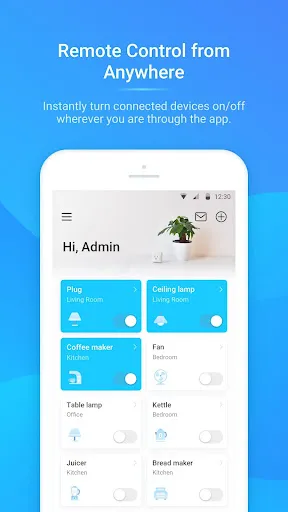
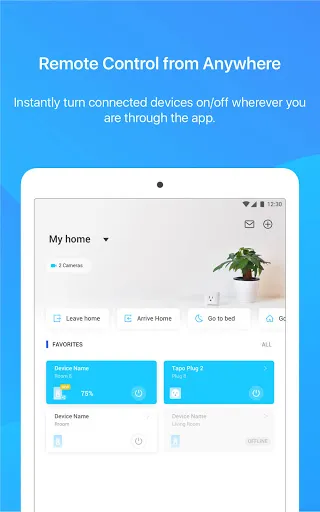
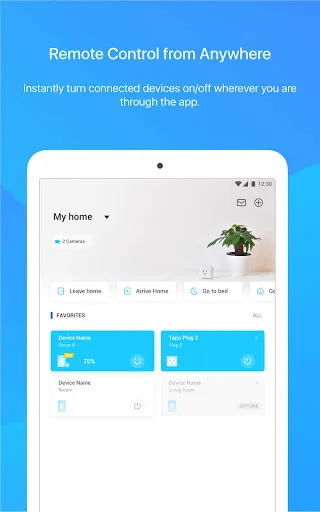
TP-Link Tapo offers an intuitive user interface that allows convenient control of various smart home devices in your property. From smart plugs and bulbs to security cameras, effortlessly manage and automate your home with just a few taps.
Seamless Integration with Voice Assistants
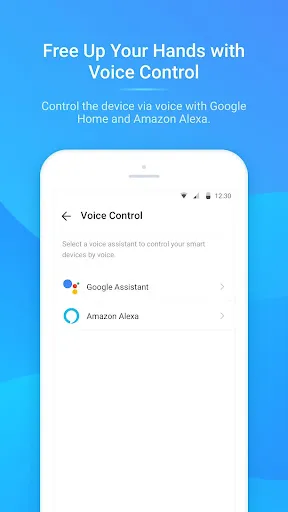
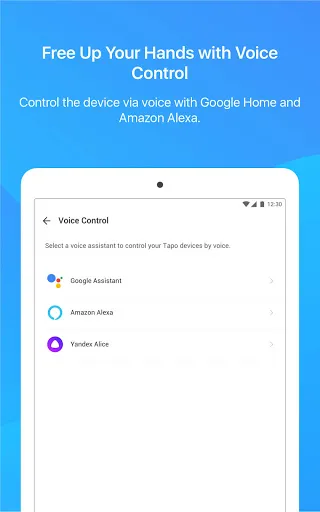
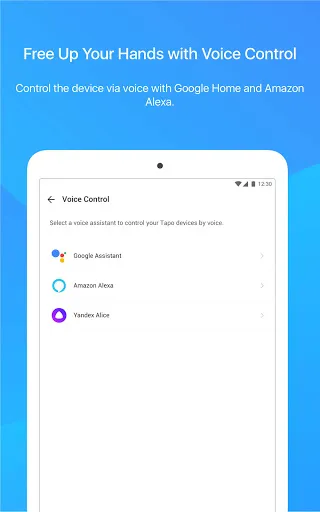
With the TP-Link Tapo app, enjoy hassle-free integration with popular voice assistants like Amazon Alexa and Google Assistant. Easily control your smart devices using voice commands, making your home automation experience even more convenient and hands-free.
Scheduling and Scene Customization
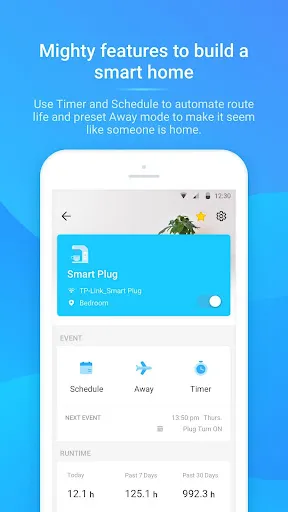
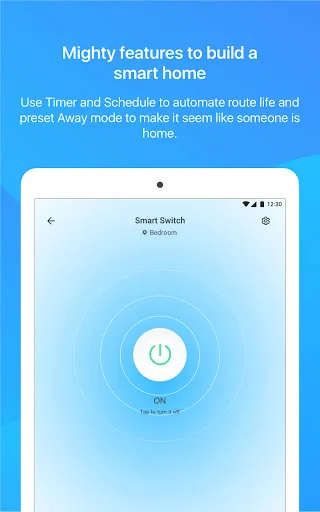
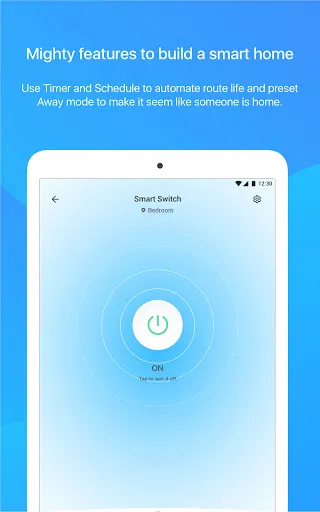
With TP-Link Tapo, you can create personalized schedules and scenes for your smart home devices. Set up automatic routines, such as turning on lights and adjusting thermostat settings based on time, creating a comfortable and energy-efficient living environment.
Tips
🔌 Easily Set Up Your Smart Devices.
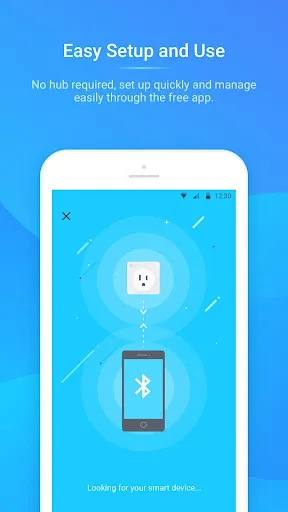
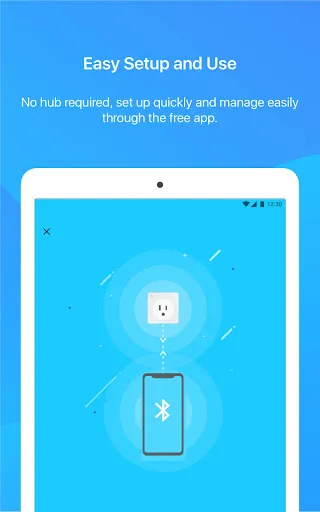
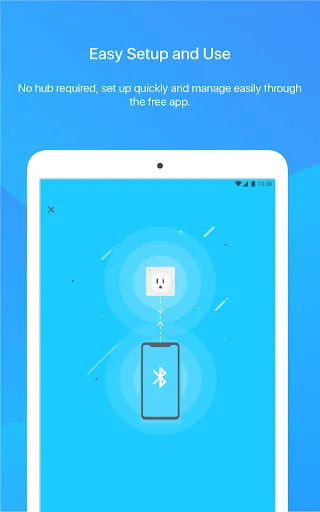
Start by downloading the TP-Link Tapo app to quickly and effortlessly set up your Tapo smart devices. The app guides you through each step, ensuring a smooth setup process. Whether it’s smart bulbs, plugs, or cameras, get them up and running in no time.
💡 Customize for Convenience.
Use the app to customize schedules and timers for your devices. Set your lights to turn on at sunset or your coffee maker to start brewing at your wake-up time. This not only adds convenience but can also help in saving energy.
🔊 Voice Control Integration.
Sync your devices with Google Home or Amazon Echo for voice control. This feature is perfect for hands-free operation. Just use voice commands to control your smart home without lifting a finger.
Pros & Cons
- Easy Device Setup
- Customizable Schedules
- Voice Control Compatibility
FAQ
Can I control the devices when I’m not at home?
Yes, the TP-Link Tapo app allows you to control your devices remotely from anywhere, as long as your smartphone has internet access.
Ratings
Similar Apps










Top Apps