




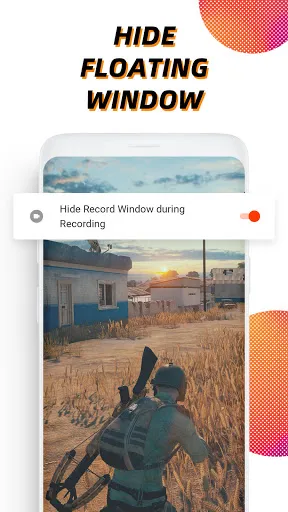
Features of Screen Recorder - Vidma Record
Easy-to-use Interface
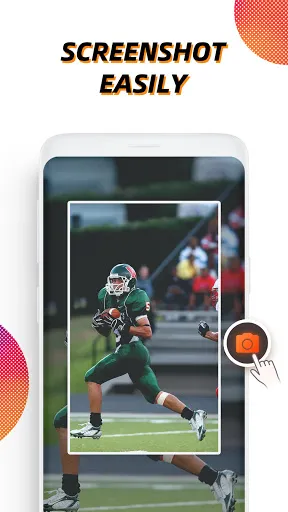
The Screen Recorder - Vidma Record app features an intuitive and user-friendly interface, allowing users to effortlessly record their screens with just a few taps. With its simple design, even beginners can navigate the app with ease and start recording their screens in no time.
High-Quality Screen Recording
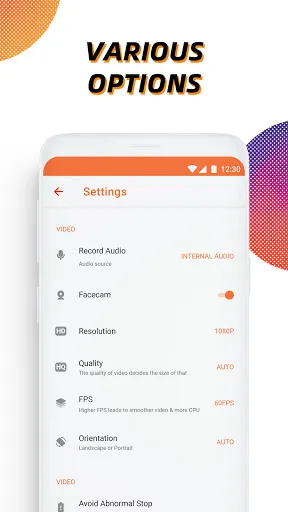
With Screen Recorder - Vidma Record, users can capture their screens in high-definition quality, ensuring that every detail is preserved. Whether you want to record gaming sessions, video tutorials, or app demonstrations, this app guarantees excellent video and audio output for a professional-looking result.
Advanced Editing Tools
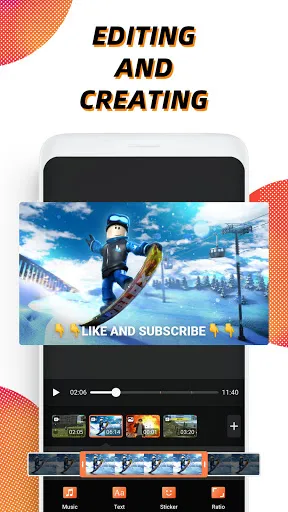
Besides screen recording, Screen Recorder - Vidma Record also offers a range of advanced editing features, allowing users to enhance their recorded videos. With the built-in video editor, users can easily trim, merge, and add effects to their recordings, giving them complete control over the final output.
Ratings
Similar Apps





Top Apps