


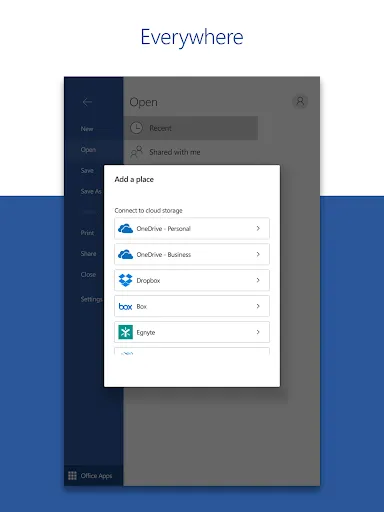
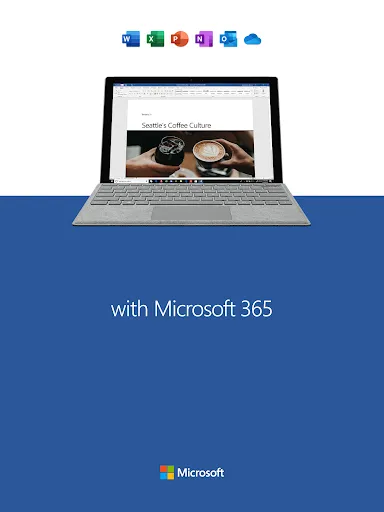
Features of Microsoft Word: Edit Documents
Create Documents
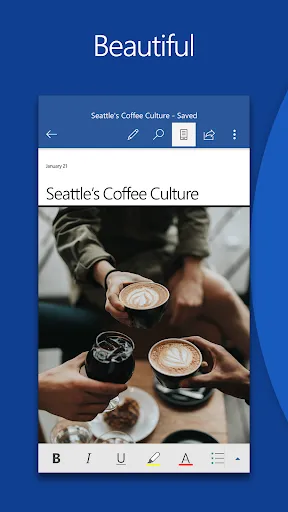
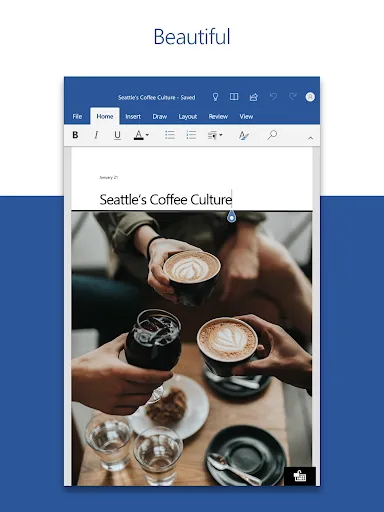
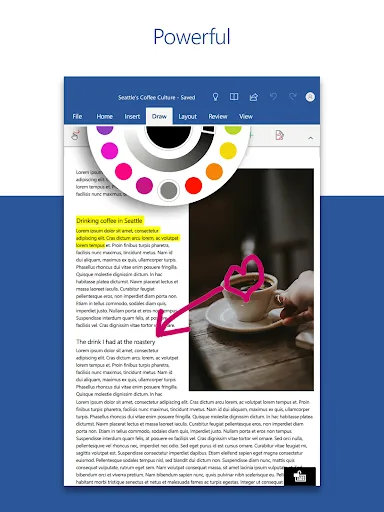
Easily and conveniently edit documents, share notes, and convert to PDF documents through the Doc app, just like on your PC.
Template Gallery
We have hundreds of templates for you to choose from, with one-click access to resume templates, newsletters, brochures, or more to help you become more productive.
Document Comments
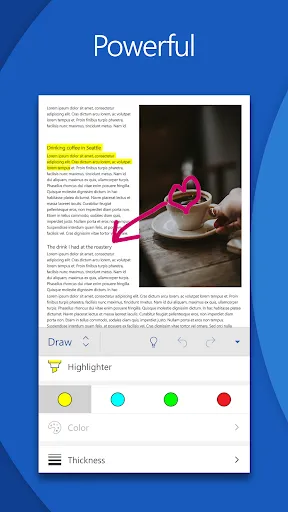
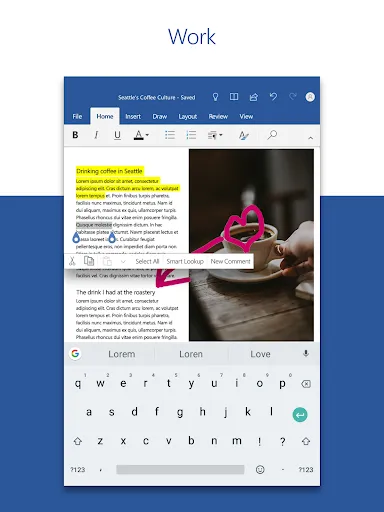
Wherever you are, the Doc app allows you to collaborate and share with others. It is also possible to leave your comments directly on the document through Doc app so that the other person knows your advice.
Tips
😗 There are multiple ways to share files.
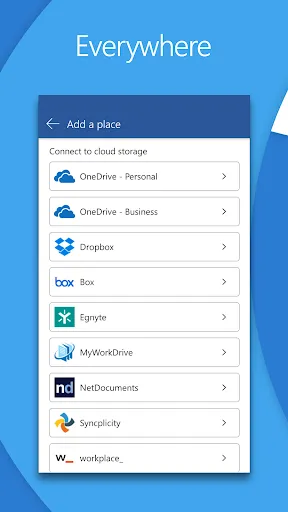
You have the flexibility to choose how you want to share your documents, either through links, emails, or attachments, depending on your needs.
🥰 Use the Doc app to auto-proofread glitches.
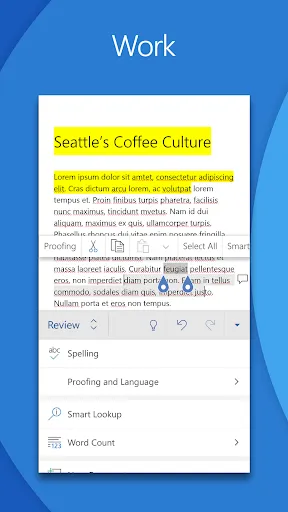
The Doc app can automatically help you check for spelling errors in some documents, by underlining in red where they are incorrect.
Pros & Cons
- Useful for editing documents.
Ratings
Similar Apps









Top Apps