
EZ PDF - PDF Reader

Features of EZ PDF - PDF Reader
User-Friendly Interface
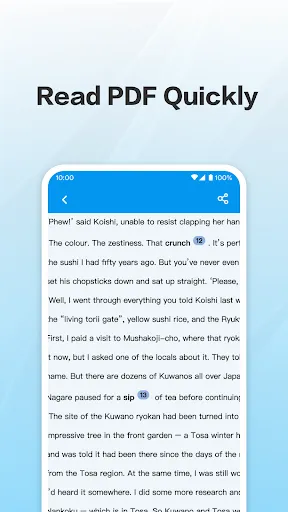
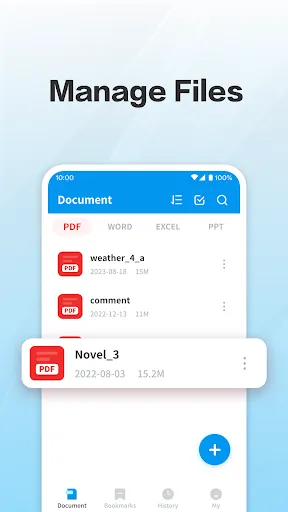
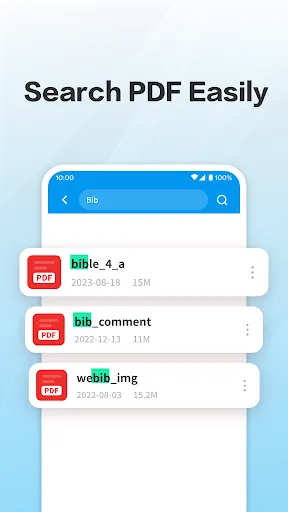
EZ PDF - PDF Reader boasts a clean and intuitive interface that makes navigation a breeze. Users can easily open documents, switch between pages, and access features without getting lost. This design focuses on enhancing user experience, ideal for those who may not be tech-savvy.
Annotation Tools
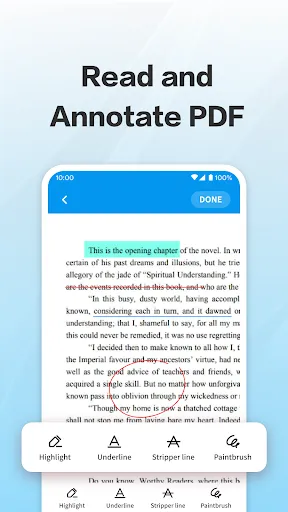
This app includes a robust set of annotation tools, allowing users to highlight text, add comments, and draw on PDF files. These features empower users to engage with their documents more effectively, making it suitable for students, professionals, and anyone needing to review or edit PDFs.
Multi-Language Support
EZ PDF - PDF Reader supports multiple languages, catering to a diverse user base. This inclusivity ensures that users from various backgrounds can comfortably use the app. The availability of different language options enhances accessibility, making PDF reading more global.
Ratings
Similar Apps










Top Apps